 Traces
The paths you take.
A map of your own.
Keep your routes and stops. Light up the places you have been, one journey at a time.
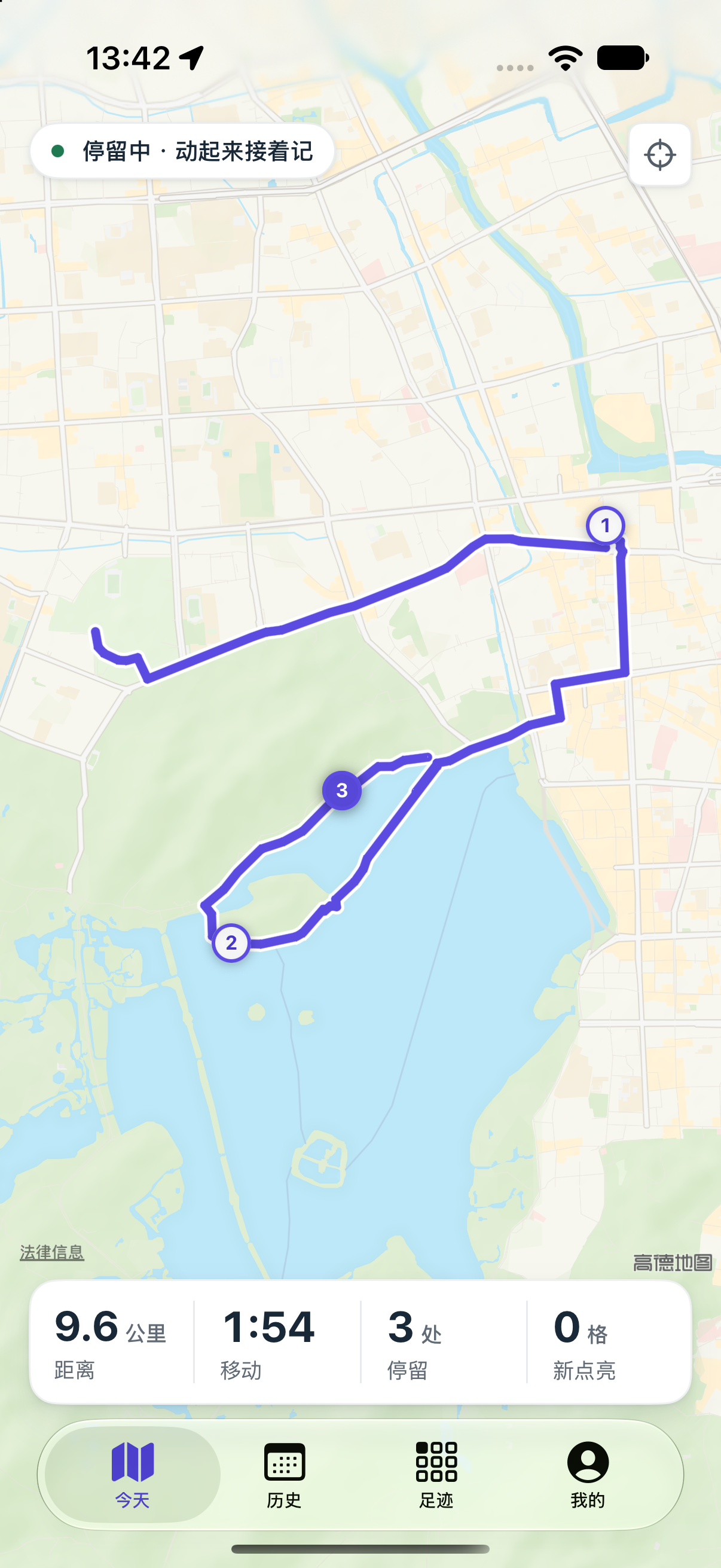
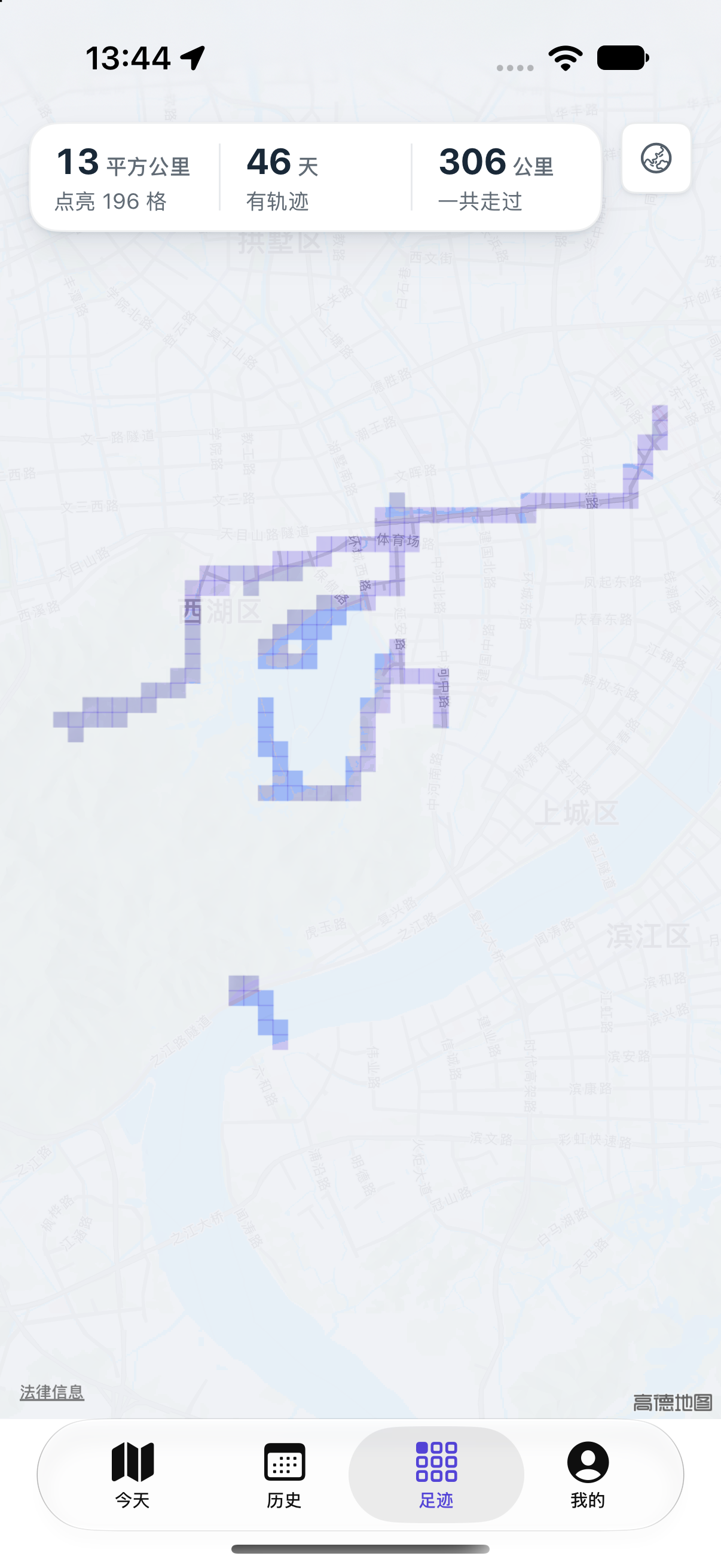
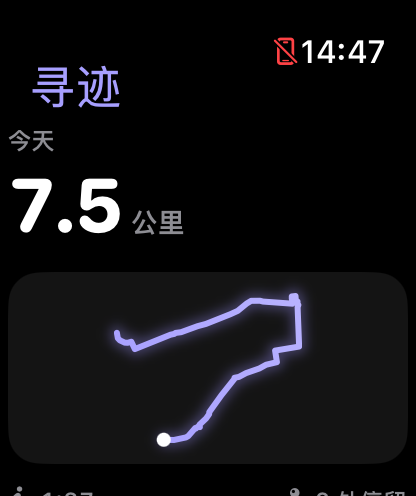
iPhone · Apple Watch / Screens use sample data. The released app may differ.
Made for your everyday
Some places
are worth remembering.
From your daily routes to a growing map of footprints. Look back on where life takes you, without writing a travel journal.
Let the route unfold
With background location permission, record routes and stops automatically. Switch it off whenever you choose.
Give old photos a place
Choose to add footprints from capture locations, without uploading your photos.
Today, on your wrist
See today’s route on Apple Watch. Pro can record a walk without your phone.
Your records.
Yours to keep.
No account and no advertising trackers. Everyday app records stay on your devices. You choose what to export or share.
Read the privacy policyGood to know
How do I start automatic recording?
Allow location While Using the App first. For background recording, follow the next step to allow Always and enable Precise Location. You can switch off automatic recording or change its mode in Me.
How do I add footprints from photos?
Choose Add footprints from photos in Me and authorize the photo selection you want to use. Items with capture locations and times can light cells without uploading photos. Photos without location metadata do not create footprints.
How do I export, back up or delete data?
Export GPX or delete tracks in Me. GPX export requires Pro and contains precise locations for your archive or other map apps. Full database restore from GPX is not currently supported. Use Apple device transfer or a system backup before changing phones and save needed data before uninstalling.
Soon, close at hand.
For iPhone and Apple Watch. A little easier, every day.
Read the full guide Coming soon to the App Store